Sign in with ChatGPT
Use your existing ChatGPT account — no API key, no separate billing. ClipSlop authenticates via OAuth 2.0 with PKCE and calls the same chatgpt.com backend the official Codex CLI uses.
Setup
- Open Settings → Providers (
⌘,). - Click OpenAI (Sign in with ChatGPT).
- Click Sign in. Your browser opens
auth.openai.com. - Authenticate (or confirm if you're already signed in).
- The browser redirects back to
localhost:1455and the connection completes automatically.
That's it. Tokens are stored in your macOS Keychain.
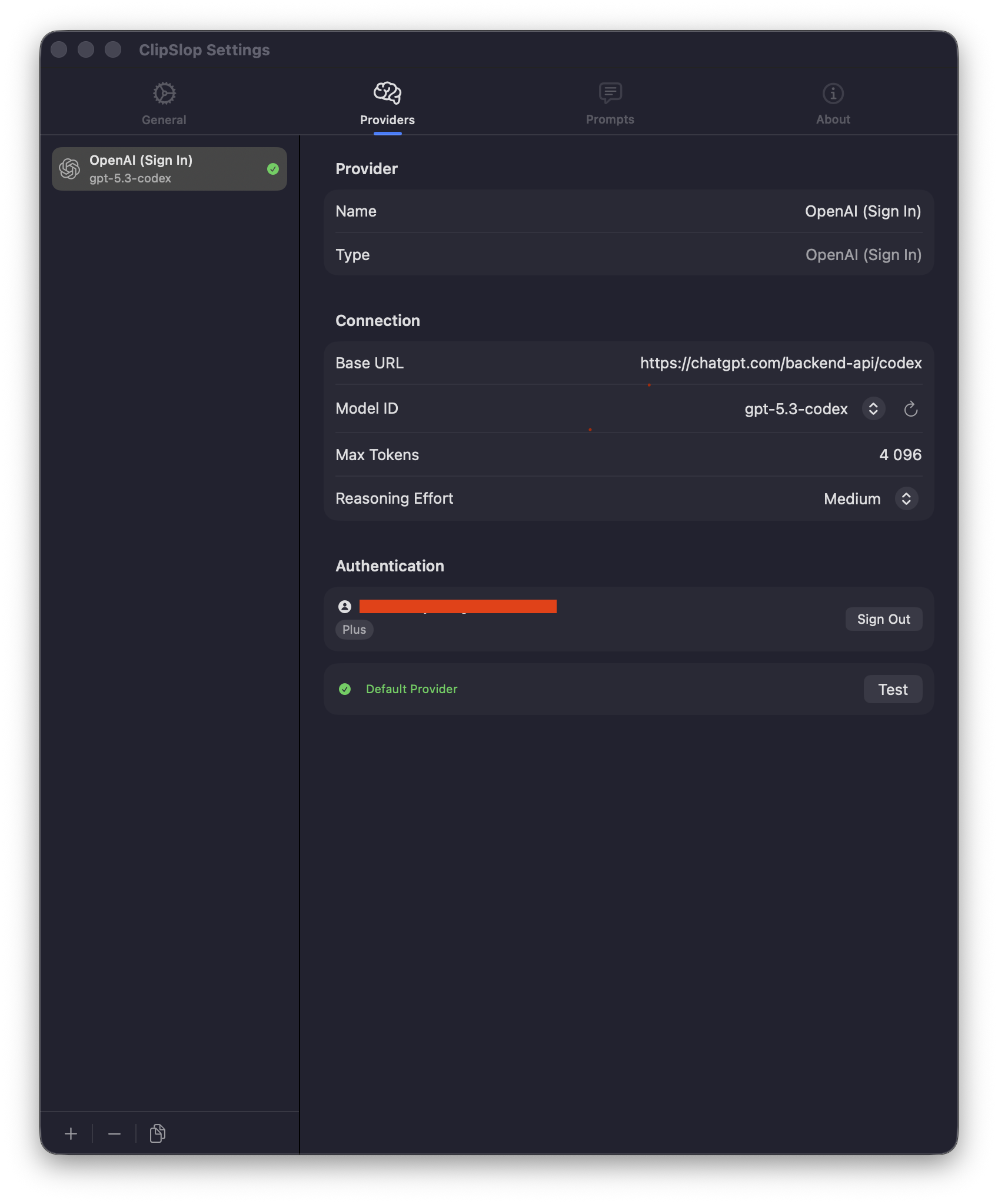
What you get
- Free usage subject to your existing ChatGPT plan limits (Free, Plus, Pro, Team).
- Access to the same models and reasoning effort settings the ChatGPT app exposes.
- No separate API billing.
When to use a different provider
- You need a model that isn't available through ChatGPT.
- You want fine-grained control over temperature, top-p, or other API-level parameters.
- You want to use ClipSlop heavily and stay within an organisational API quota.
In any of those cases, see OpenAI API instead.
Under the hood
If you're curious about how the OAuth + PKCE handshake works, the Develop → ChatGPT OAuth page has the technical details.