Pick a provider
ClipSlop calls a real AI model for every transformation, so you need at least one provider configured. The Providers tab in Settings lists every supported option:
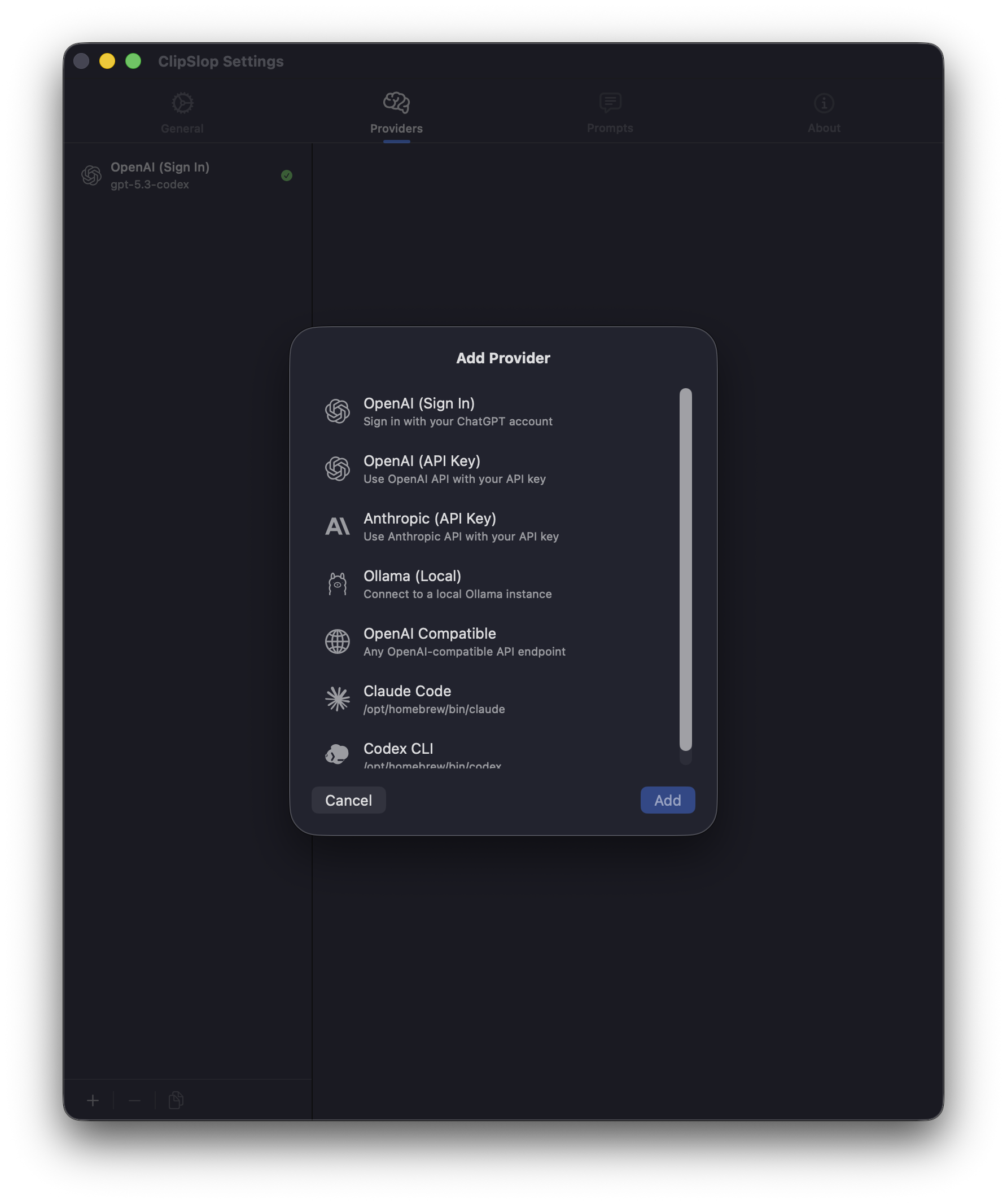
CChatGPT sign-in →OOpenAI API →AAnthropic →LOllama →XCompatible APIs →
Sign in with ChatGPT
Free, OAuth-based, no API key needed. Best starting point.
OpenAI API
Paid, bring-your-own-key. More control, all OpenAI models.
Anthropic Claude
Paid, bring-your-own-key. Claude Sonnet, Opus, and Haiku.
Ollama (local)
Free, runs entirely on your machine. No network calls.
Compatible APIs
OpenRouter, LM Studio, custom endpoints — anything OpenAI-compatible.
You can configure several providers at once and pick the default in Settings → Providers. Each prompt can override the default — set a fast model for grammar fixes and a smarter one for analysis.
Continue with Your first transformation once a provider is configured.