Display modes
Results render as plain text, Markdown (native or HTML renderer), or HTML — toggle with ⌘D.
| Mode | When to use |
|---|---|
| Plain text | Default. Faithful to the model output, no parsing. |
| Markdown (native) | Pretty rendering for any prompt that returns Markdown. |
| Markdown (HTML) | Same idea but uses an HTML renderer — better for complex tables. |
| HTML | The model returned HTML directly (e.g., from the Convert group). |
Editing
Hit ⌘E to edit the result inline — the edit becomes its own history step:
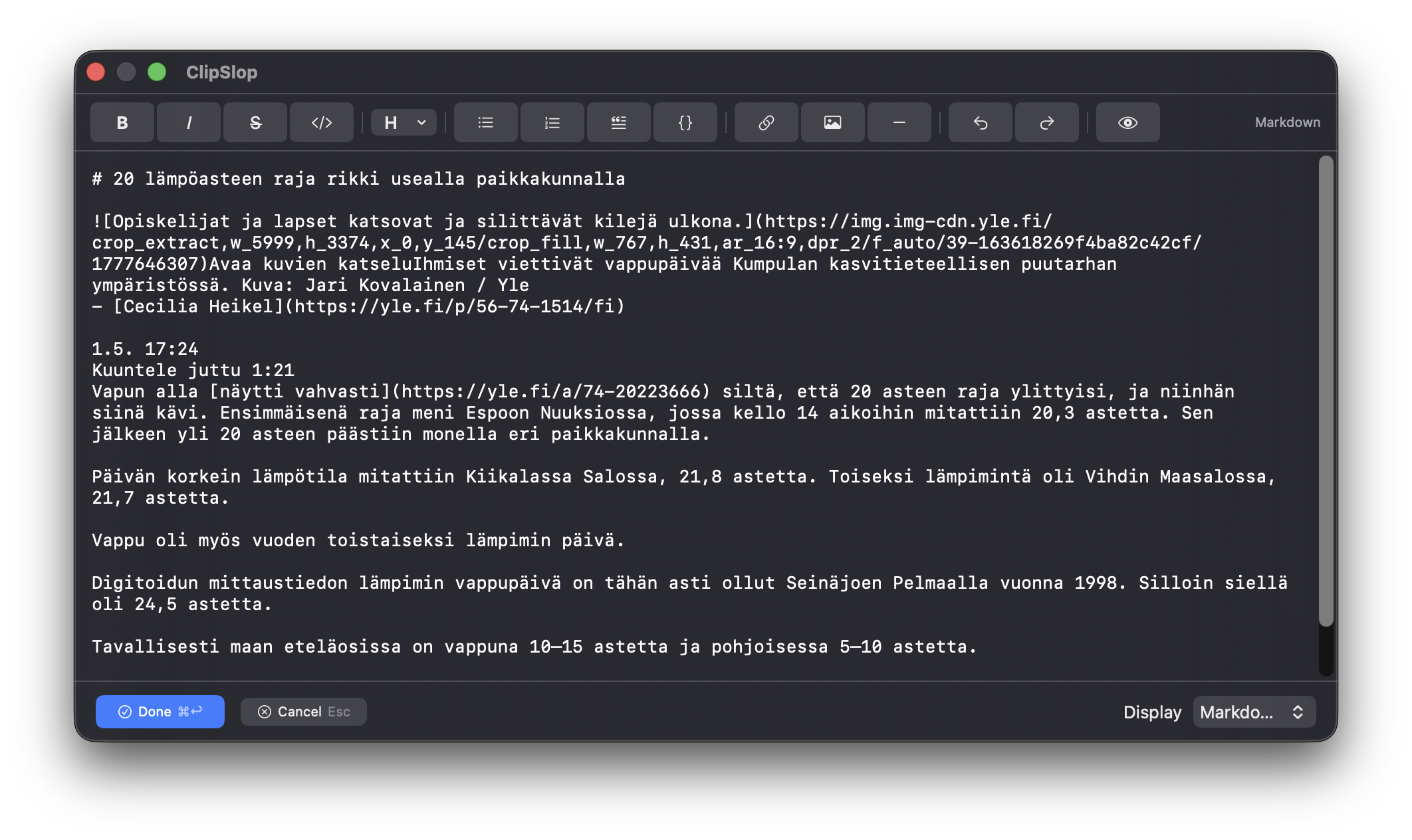
When you save your edit (⌘Enter or click outside), it's added as a new step in the chain. Branch off it, run another prompt against your edited text, or copy it out.
Per-prompt default
Each prompt can specify its preferred display mode in Settings → Prompts. The Markdownify prompt defaults to Markdown rendering; the HTMLify prompt defaults to HTML; everything else defaults to plain text. Override per prompt as needed.